

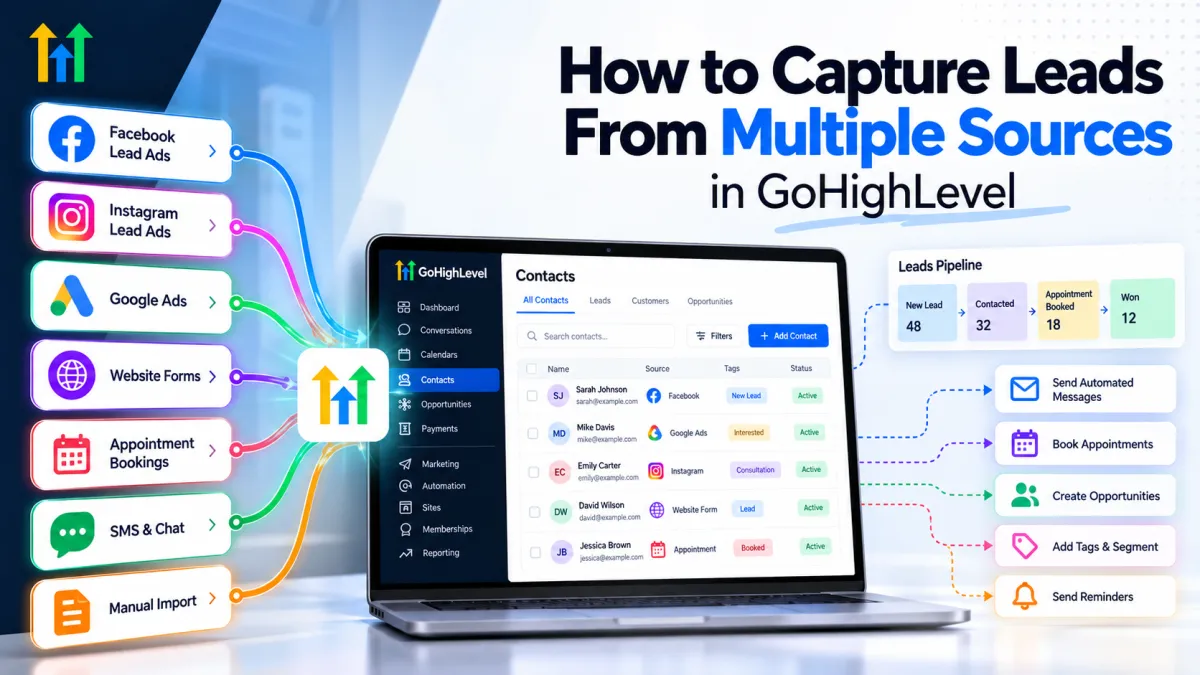
How to Capture Leads From Multiple Sources in GoHighLevel

How to Capture Leads From Multiple Sources in GoHighLevel

How to Capture Leads From Multiple Sources in GoHighLevelWispcode Team
Published on: 07/10/2026

Learn how GoHighLevel can capture leads from Facebook, Instagram, Google Ads, website forms, appointments, SMS, and other sources while organizing follow-up in one CRM.

GoHighLevel lead captureCapture leads in GoHighLevelGoHighLevel lead managementGoHighLevel CRMGoHighLevel automationGoHighLevel workflowsMultiple lead sourcesLead capture automationGoHighLevel formsGoHighLevel Facebook leadsGoHighLevel funnelsGoHighLevel pipelineAutomated lead follow-upCRM lead managementGoHighLevel appointment bookingGoHighLevel lead source tracking
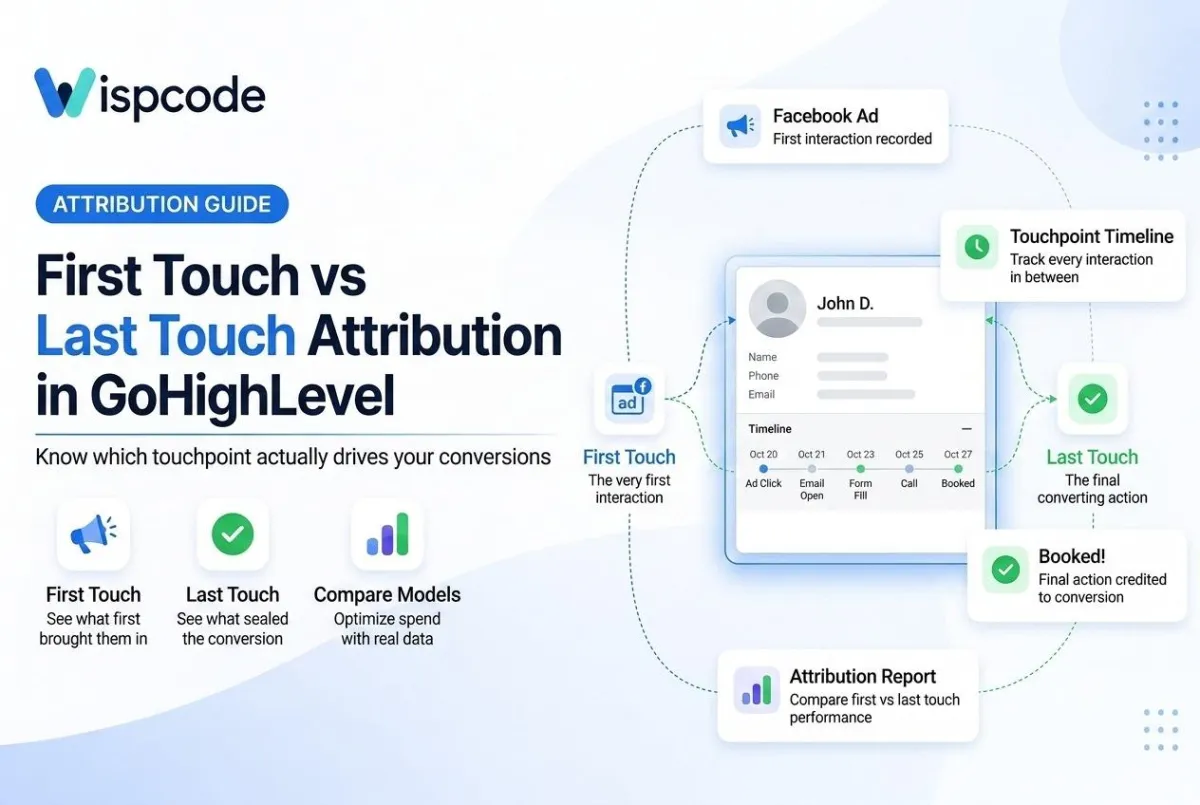
GoHighLevel Attribution Explained: First Touch vs Last Touch

GoHighLevel Attribution Explained: First Touch vs Last Touch

GoHighLevel Attribution Explained: First Touch vs Last TouchWispcode Team
Published on: 11/08/2026

Learn the difference between first-touch and last-touch attribution in GoHighLevel, how each model tracks leads, and which one your agency should use.

GoHighLevel attributionfirst touch attribution GHLlast touch attribution GHLGoHighLevel UTM trackingGHL contact attributionGoHighLevel lead source trackingattribution reporting GoHighLevelGoHighLevel Session Sourcemarketing attribution CRMGoHighLevel campaign trackingGHL Smart Lists attributionattribution panel GoHighLevelGoHighLevel attribution dashboardmulti-touch attribution GHL

At Wispcode, we deliver pioneering digital engineering strategies that empower businesses to grow with confidence.

Get in touch with us

Email:

Phone:

Hours: 24/7 available

Copyright @2026 Wispcode. All Rights reserved.